I redesigned my app with Google Stitch — and it almost worked

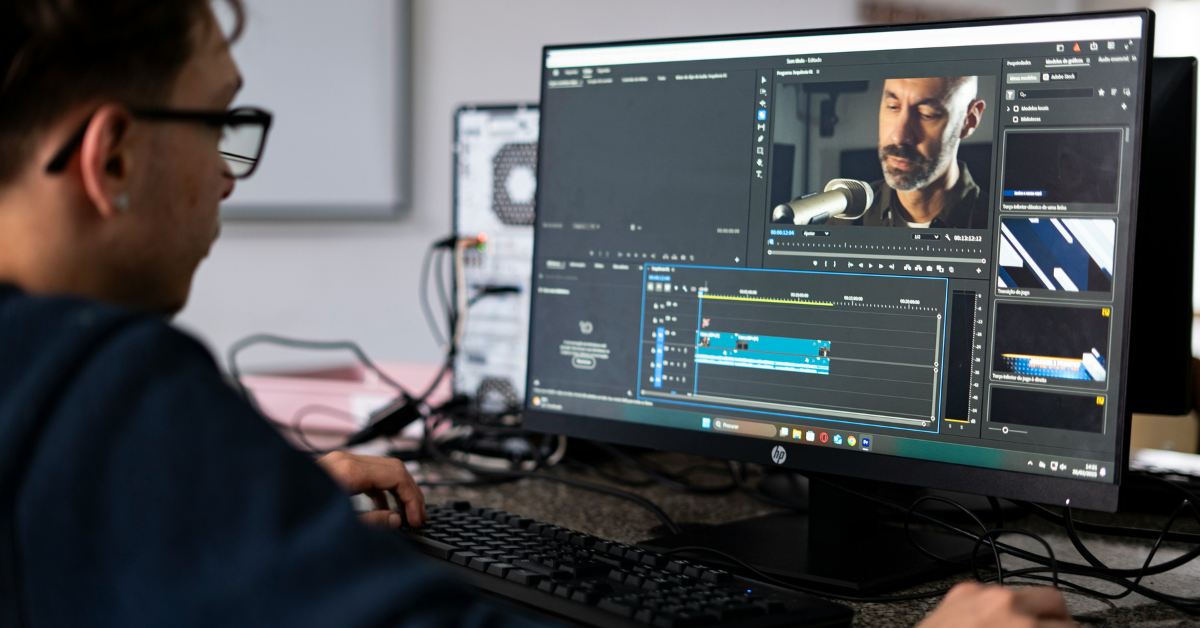
I tried Google Stitch, the tool to turn prompts and references into app screens and front-end code. I used it on my own web application when I wanted to redesign parts of the UI, to try out something other than staring at the same screen in hopes to "figure it out". I already knew what my app needed, what I wanted to change. So I gave Stitch the real setup and to its credit, it got me to what I would call a “usable design” in about 30 minutes, while I was using the Gemini 3.1 Pro. That alone made it feel more useful than a lot of AI design launches that look great in demos and then collapse the second you give them an actual job.
What Stitch did well was give me momentum. I was building this application on my own and pretty quickly, so having something visual to react to helped more than I expected. The flow it generated was usable. It understood the general shape of a modern interface. And because the workspace feels a lot like Figma, it was easy enough to rebuild the page properly in my repo. It did not build the product for me. The features and logic were still mine to figure out. But it did make the design phase feel less foggy and less slow.
The problem showed up once I started refining things. Stitch has that classic AI-tool habit of acting helpful right up until it starts freelancing.
I would ask for one change and the next pass would come back with that change plus a couple of others I never asked for. Sometimes it felt like it could not leave the rest of the page alone. That was some real friction. Not that it was bad, exactly. More than it kept slipping off the task. Some of that may have been my prompting, fair enough, but the drift was still there. You can pull it back by being more explicit, and when the requirements are clear it usually does understand what a good interface should look like. Still, it needs watching.
That is why Stitch feels less like a design replacement and more like a fast sketch partner with a short attention span. In my use, it could get me maybe 80 percent of the way to the visual end goal if I paired it with proper reasoning and kept correcting it when it wandered. That last stretch still needed human judgment. Taste, restraint, and the ability to know when a page is getting worse instead of better still matter here, maybe more than the AI pitch would suggest.
Also read: Why Apple may need Claude and Gemini to fix Siri
Google first rolled Stitch out in Labs at I/O 2025. The newer version adds more room to work and a stronger prototyping push, but after using it, the public reaction makes sense. The people who like it seem to like it for the same reason I did — it gets you past the blank canvas fast. The complaints make sense too. Once you stop looking at the first pass and start actually editing. Stitch can wander changing things you did not ask for. It loses the thread. That does not make it useless. It just tells you what kind of tool this is.
That is why calling it a Figma killer misses the point. Stitch is more helpful as a jump-start than a replacement. If you are building alone or moving fast, it can save you from wasting hours on layout decisions and half-formed ideas. It gives you something to react to, something to pull apart, something to rebuild properly in your own code.
But you still need to know what good looks like, because Stitch does not always do that for you.
Y. Anush Reddy is a contributor to this blog.